
Consona
Record conversations. Work closely with the words.
Consona is available as an early beta for testing.
From a recorded conversation to a reviewed transcript.
Consona is being developed for researchers working with recorded conversations. The new desktop workspace puts the transcript first, with playback close at hand and recording and project controls available when needed.
Recording and transcription run locally, without a cloud transcription account. Choose a supported language, including English or Welsh, or use automatic language detection with a multilingual Whisper model. Speech models may need a separate download; model choice affects language support and accuracy.
Record
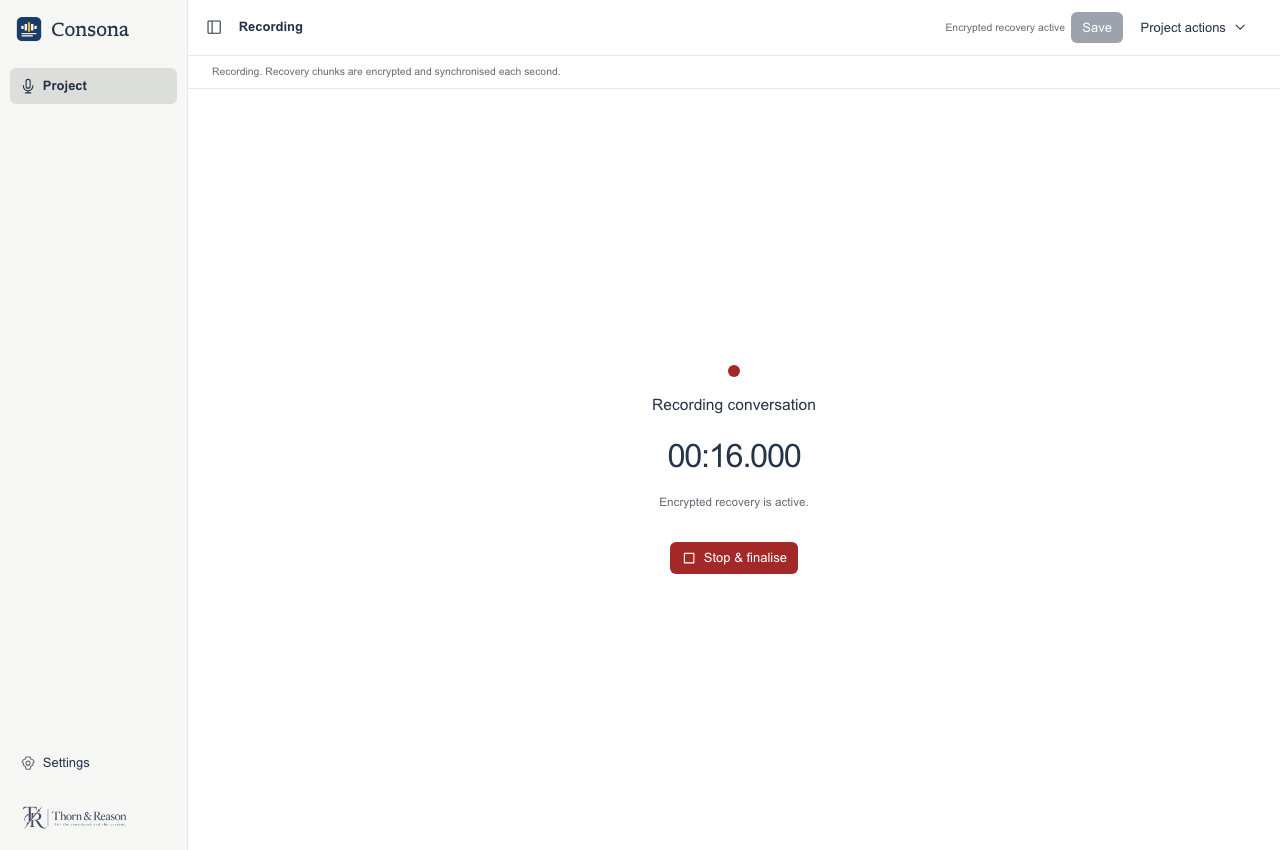
Record from a selected microphone, or import a WAV recording.
Transcribe
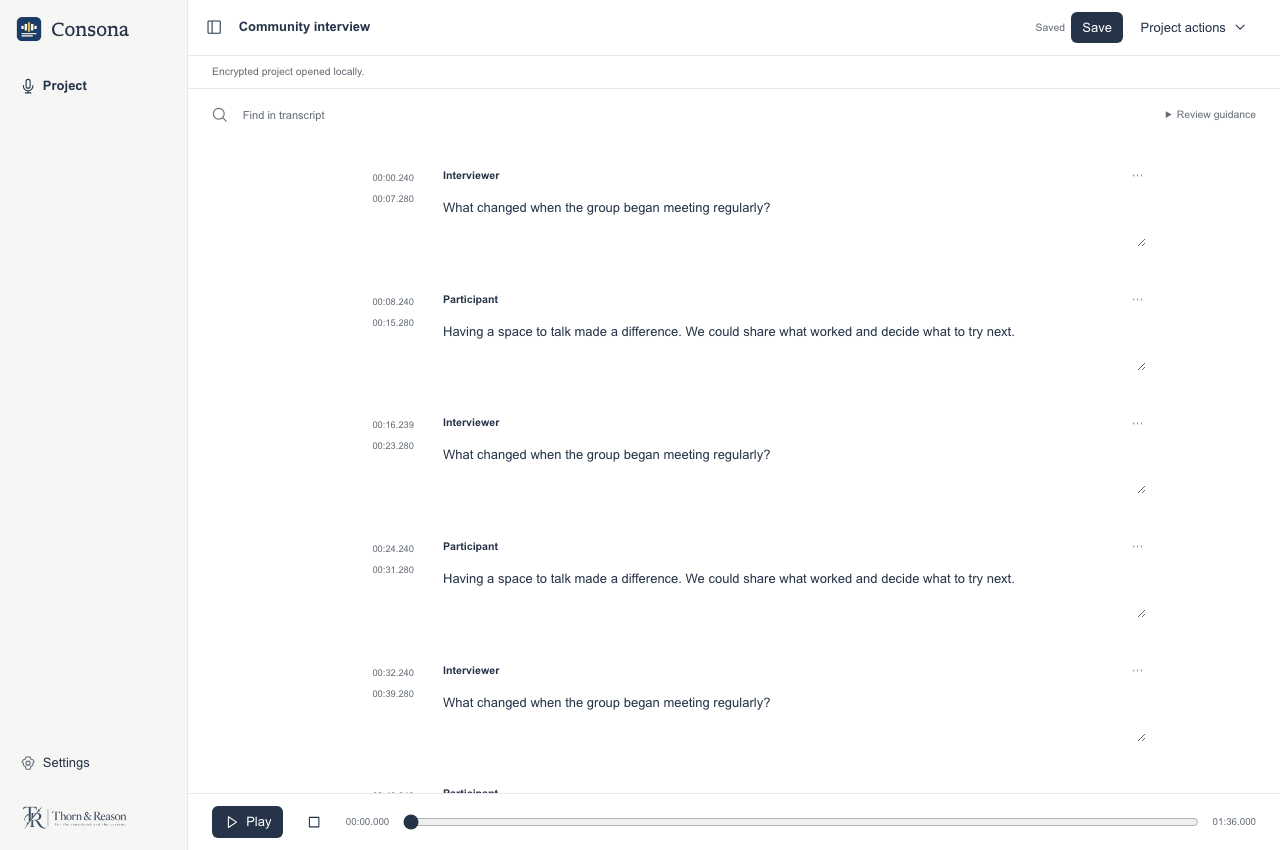
Create a draft transcript with speaker labels, then check the language, words, and attribution against the recording.
Review
Play from a timestamp, edit the words and speaker labels, search passages, and mark overlapping speech manually.
Save and export
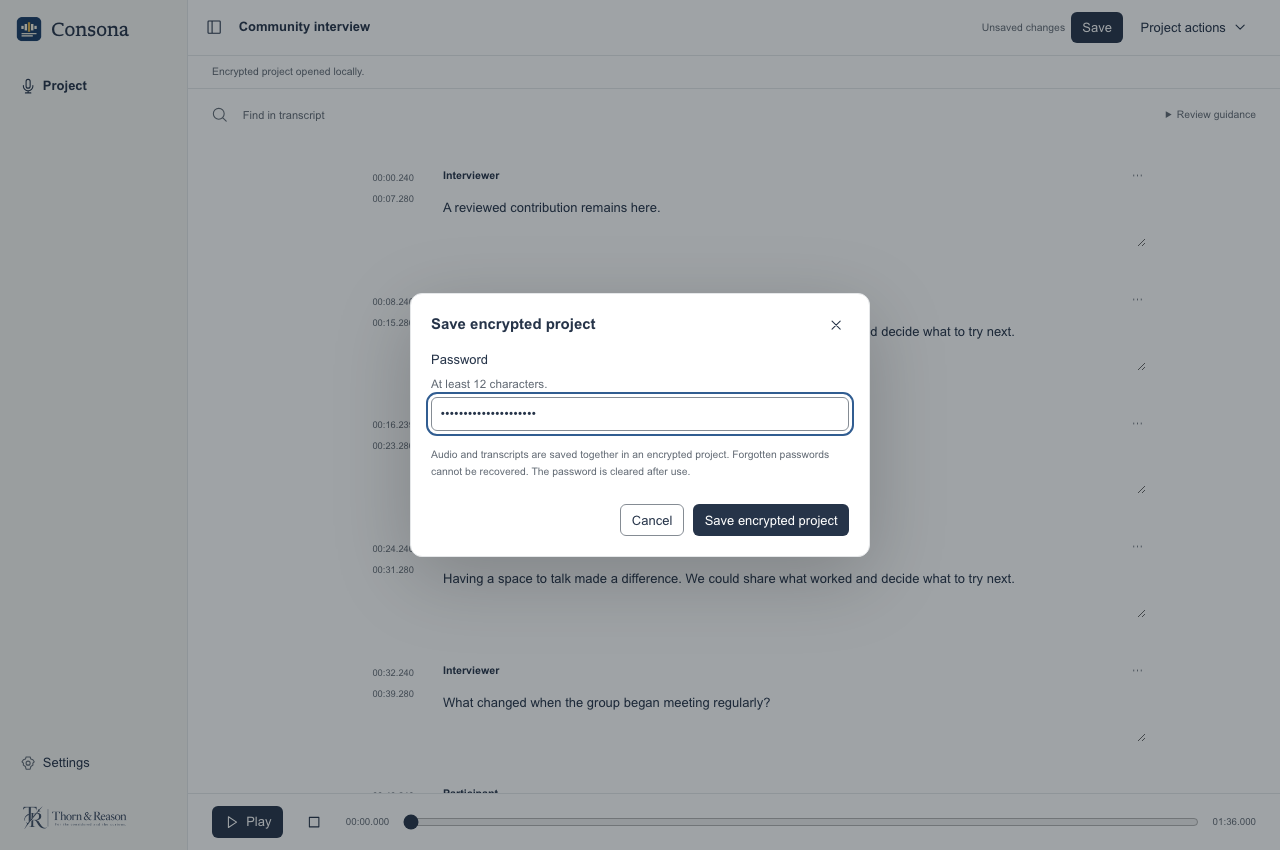
Save an encrypted project, or export transcripts, subtitles, and research formats, including text, Word, CSV, SRT, WebVTT, and JSON for Noema.
Screenshots
Earlier development previews of the desktop interface, using illustrative sample data. The current beta includes additional controls and features. Select an image to view it full size.
Downloads
£39 · One-off purchase.
Paid packages: Mac Apple Silicon (macOS 14+); Windows x64; Windows ARM64; Linux x64.
Consona requires Apple Silicon and macOS 14 or later on Mac; there is no Intel Mac package. Windows ARM64 uses Whisper only, with manual speaker labels and no automatic speaker labelling. Parakeet, Nemotron, Bark, and system-audio capture are unavailable on Windows ARM64. Optional Bark voices on Mac require macOS 15 or later.
Launcher requires macOS 13.3 or later on Mac. Mac packages are signed and Apple-notarised. Windows installers have no verified publisher signature and may show a warning or be blocked. The download signature verifies file integrity; it does not provide Windows publisher approval.
Native hardware and accessibility checks remain incomplete across these platforms.
Read the app terms, including refunds and privacy information.
Earlier free beta and compatibility
Consona 0.5.0-beta.6 is an earlier free beta. It remains available under its beta terms; a purchase is not required to keep using it.
Available packages: Mac Apple Silicon (macOS 14+); Windows x64; Windows ARM64; Linux x64. Read the release guidance for system requirements and installation steps. Native hardware and accessibility checks remain incomplete.
This earlier Mac beta requires Apple Silicon and macOS 14 or later; optional Bark voices require macOS 15 or later. There is no Intel Mac package. Its speech libraries use reduced security hardening; review the release guidance before installing.
If you still use Launcher 0.1.1-beta.10 on macOS 14–26, update Launcher or use this earlier beta’s direct GitHub download.
Earlier free beta and release notesThese earlier Mac packages are not Apple-notarised, and the Windows installers have no verified publisher signature. Your system may show a warning or block installation. Updater signatures do not replace Apple or Windows publisher approval.
Use the app’s “Check for updates” control to find available beta updates. Save your work and keep a separate backup before updating. Keep original files and check your results.
The compiled betas have private, proprietary source. Third-party licence rights remain unchanged.