
Tessera
Quantitative analysis made approachable.
Tessera is available as an early beta for testing.
From your spreadsheet to your results.
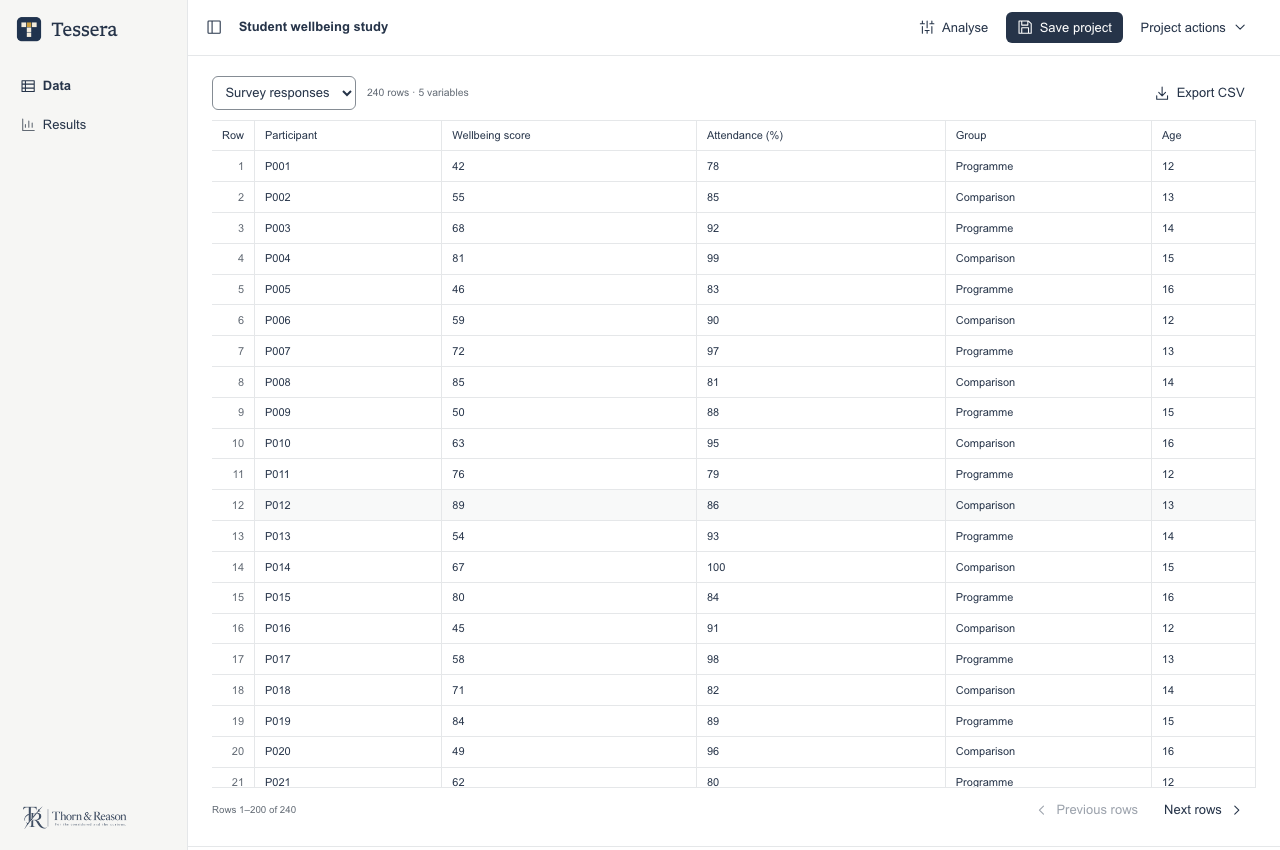
Tessera is being developed for researchers and students who want a clear route through a statistical analysis. The new desktop workspace keeps the data table in view, with analysis controls in an inspector that opens when needed.
Files and calculations stay on your computer. Work with descriptive statistics, comparisons, correlations, regression and other statistical models, and study planning. Review each procedure’s assumptions, sample sizes, exclusions, and guidance.
Import
Open spreadsheet data, including Excel and OpenDocument workbooks, CSV or TSV files, and SPSS SAV or ZSAV data. Switch between worksheets, prepare variables, and review changes before applying cell edits.
Analyse
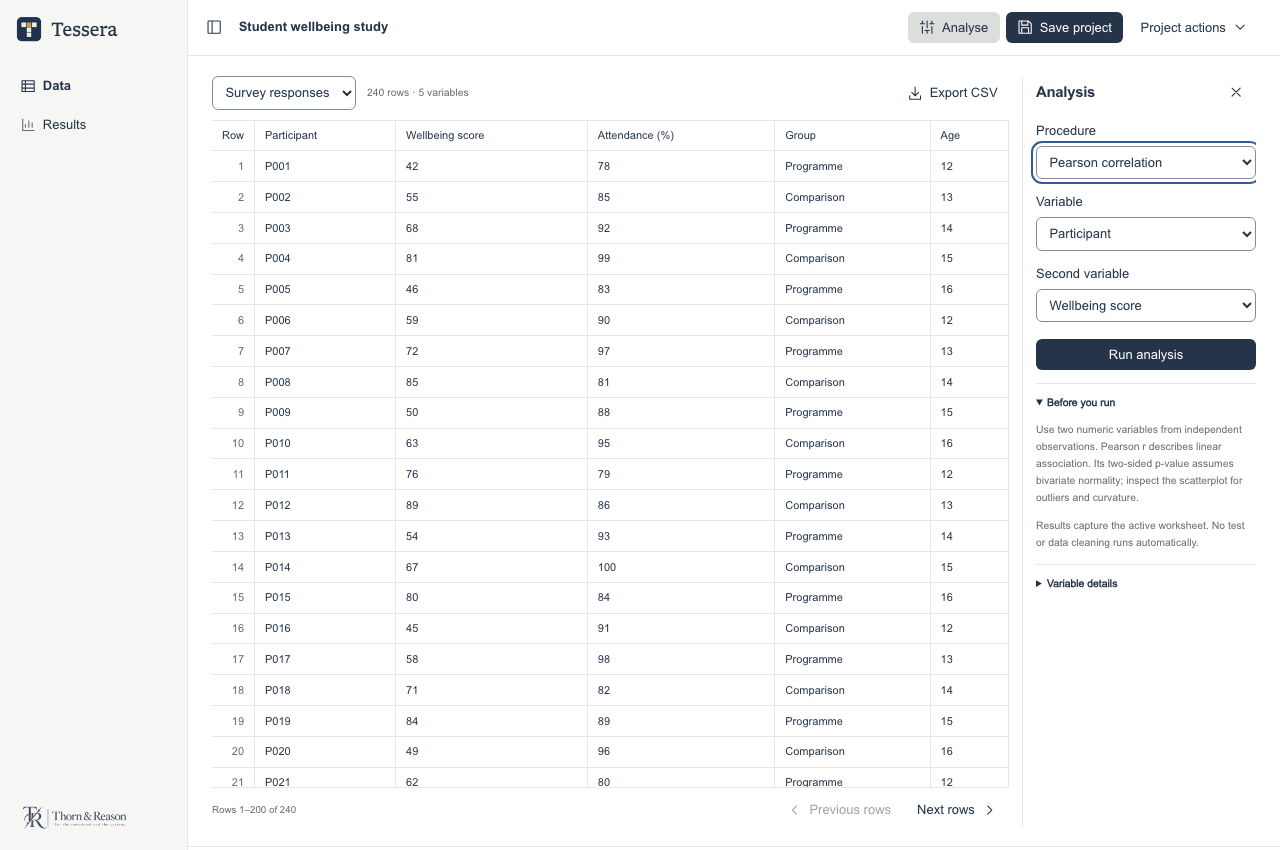
Open the analysis inspector, choose a procedure and its variables, and review the statistical guidance.
Review
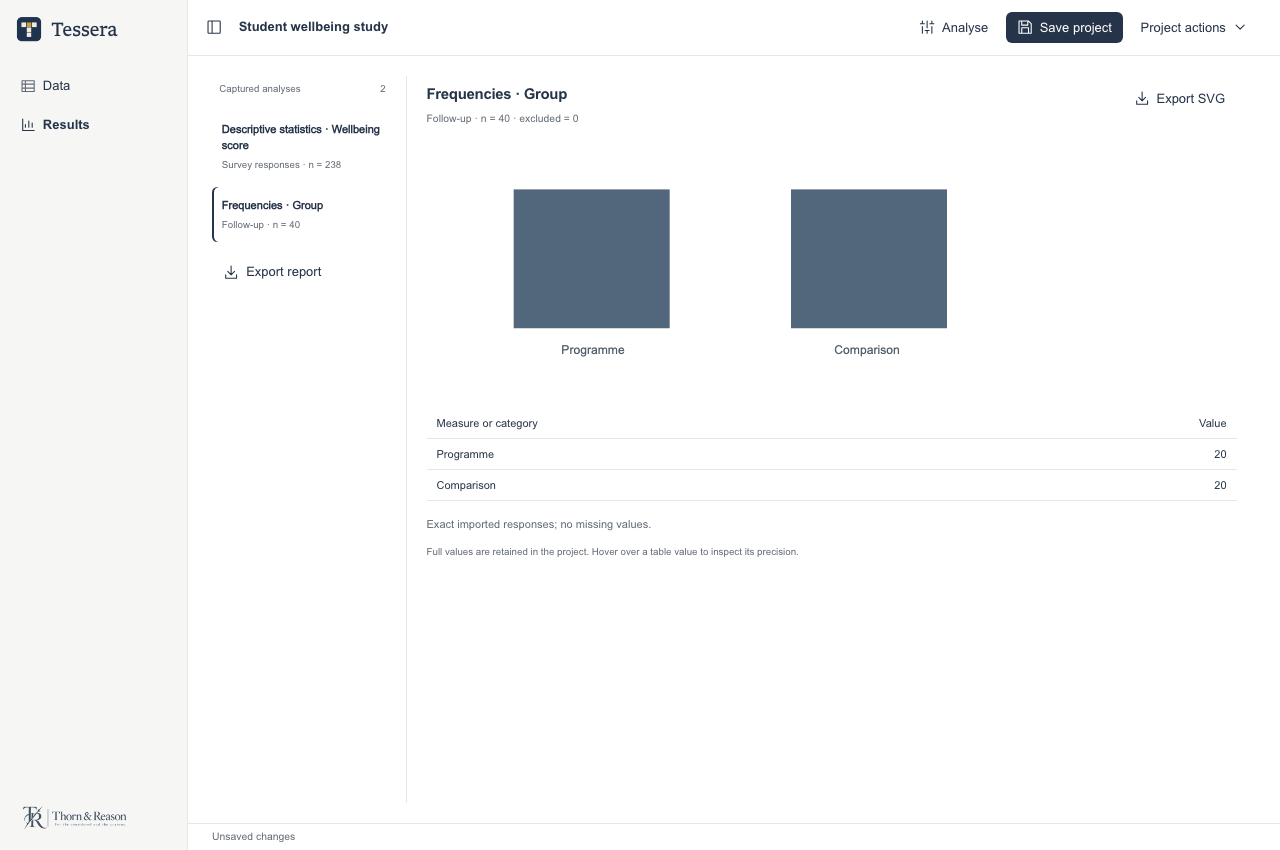
Return to captured results, tables, and charts without rerunning an analysis.
Export
Export data, including CSV and SPSS SAV, figures as SVG, or captured analysis tables and figures as a self-contained HTML report.
Screenshots
Earlier development previews of the desktop interface, using illustrative sample data. The current beta includes additional controls and features. Select an image to view it full size.
Downloads
£39 · One-off purchase.
Paid packages: Mac Apple Silicon; Mac Intel; Windows x64; Windows ARM64; Linux x64.
Launcher requires macOS 13.3 or later on Mac. Mac packages are signed and Apple-notarised. Windows installers have no verified publisher signature and may show a warning or be blocked. The download signature verifies file integrity; it does not provide Windows publisher approval.
Native hardware and accessibility checks remain incomplete across these platforms.
Read the app terms, including refunds and privacy information.
Earlier free beta and compatibility
Tessera 0.4.0-beta.3 is an earlier free beta. It remains available under its beta terms; a purchase is not required to keep using it.
Available packages: Mac Apple Silicon; Mac Intel; Windows x64; Windows ARM64; Linux x64. Read the release guidance for system requirements and installation steps. Native hardware and accessibility checks remain incomplete.
Earlier free beta and release notesThese earlier Mac packages are not Apple-notarised, and the Windows installers have no verified publisher signature. Your system may show a warning or block installation. Updater signatures do not replace Apple or Windows publisher approval.
Use the app’s “Check for updates” control to find available beta updates. Save your work and keep a separate backup before updating. Keep original files and check your results.
The compiled betas have private, proprietary source. Third-party licence rights remain unchanged.